 Chickadeeruns entirely on your machineBlog
Any page,
read aloud,
locally.
A browser extension that reads web pages in a natural voice. The speech model runs on your own computer, not a server. It works offline and is free. Nothing it reads is ever uploaded, and there is no account, no API key, and nothing to pay for.
Every other text-to-speech extension sends the page you're reading to a server. Chickadee doesn't. It runs Kokoro, an eighty-two million parameter speech model, right here in the browser. The words you are hearing right now were made by that model, on this machine. It is open source, and it is free forever. Kokoro downloads once, about three hundred and ten megabytes, and then it works offline. On computers without WebGPU, it uses Paradee, a much smaller model with nothing to download. Install it, open any article, and press Alt plus R.
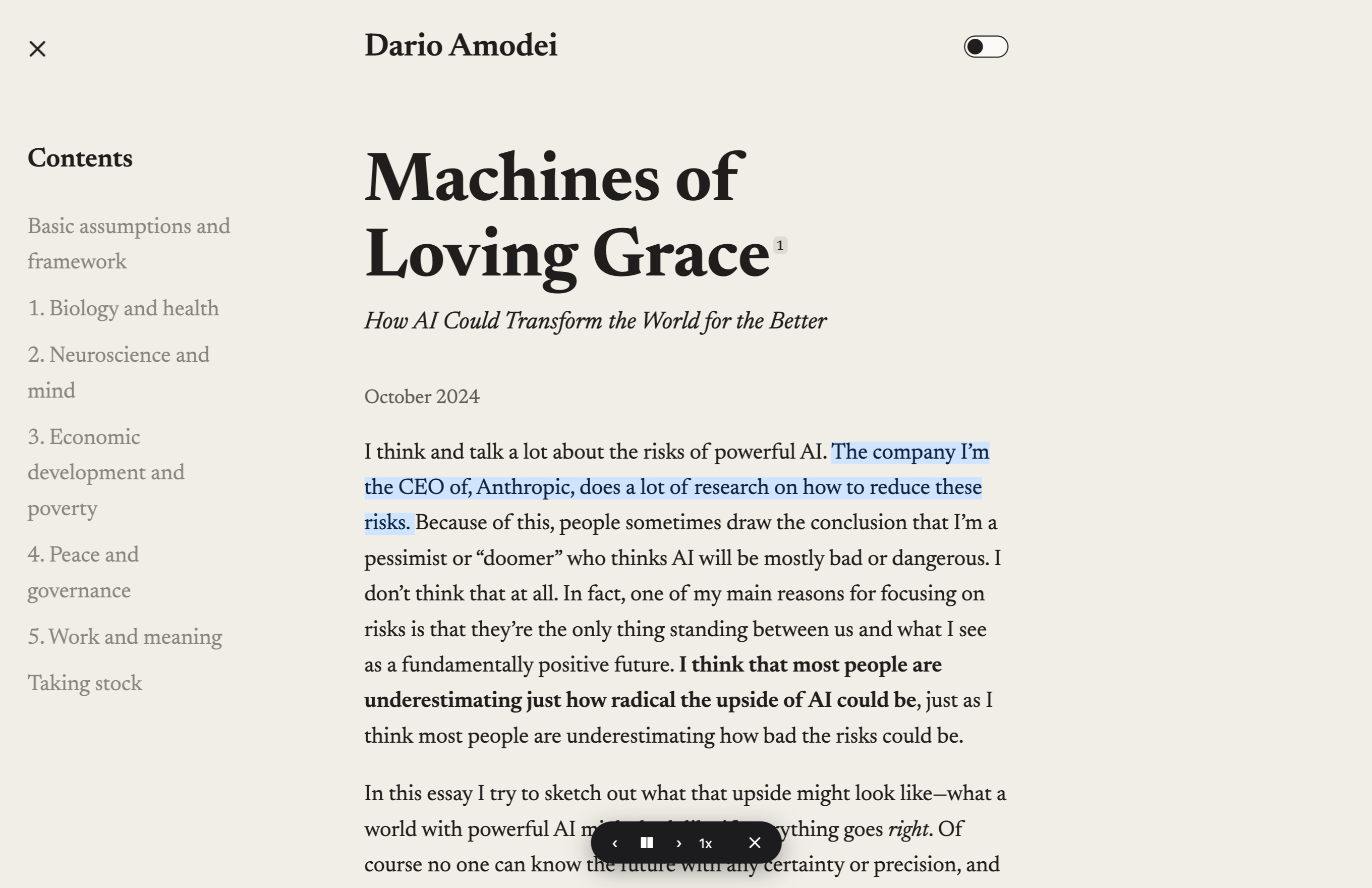
It highlights the page you’re already on.
The article itself, with the spoken sentence lit as it goes.

Local and private
The model runs in your browser, on your own computer. There is no server to send anything to, so there is nothing to leak.
Reads the real page
Sentences are highlighted on the page itself, right where you are reading. Right-click any word to start from there.
Works offline
Paradee works offline from the start. Kokoro downloads once on first use, about 310 megabytes. After that, it never touches the network again. You can use it on a plane, in a tunnel, or in the wilderness.
Free forever
Open source, with nothing to pay for — no subscription, no upsell. The voice is a small open model that lives in your browser, and always will.
Install it and press ⌥ R
Chrome-based browsers · any computer
Add to ChromeKokoro uses WebGPU when your computer has it. Everywhere else, Chickadee uses Paradee, a lighter model that runs on any computer.
